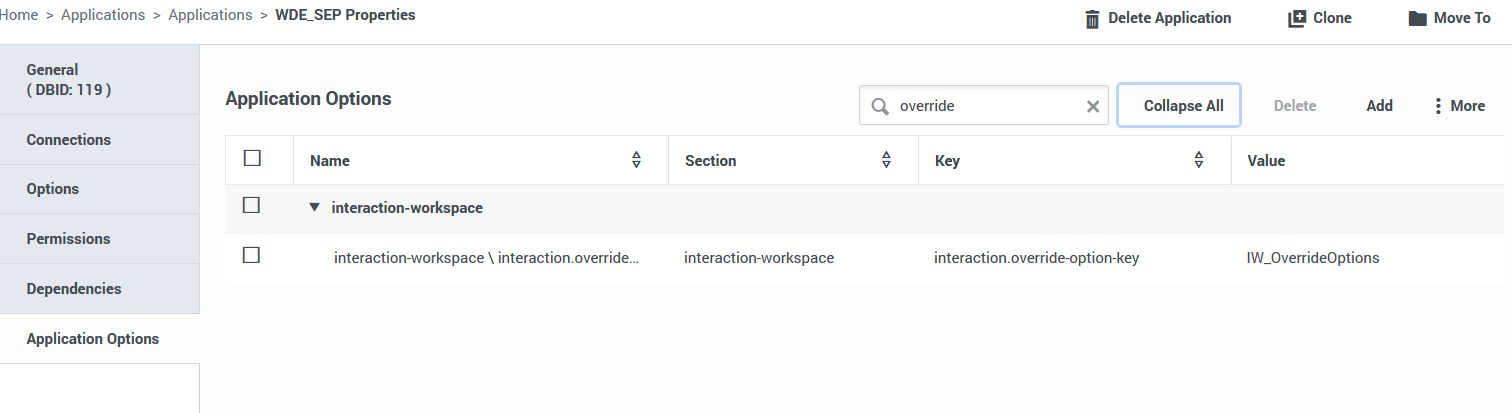
Check the name of the key for overriding WDE settings. In the WDE application options (used for logging in), in the interaction-workspace section, the key name is interaction.override-option-key, and the default value is IW_OverrideOptions. If you have a value other than IW_OverrideOptions, use this value instead of IW_OverrideOptions when overriding settings in the policy.
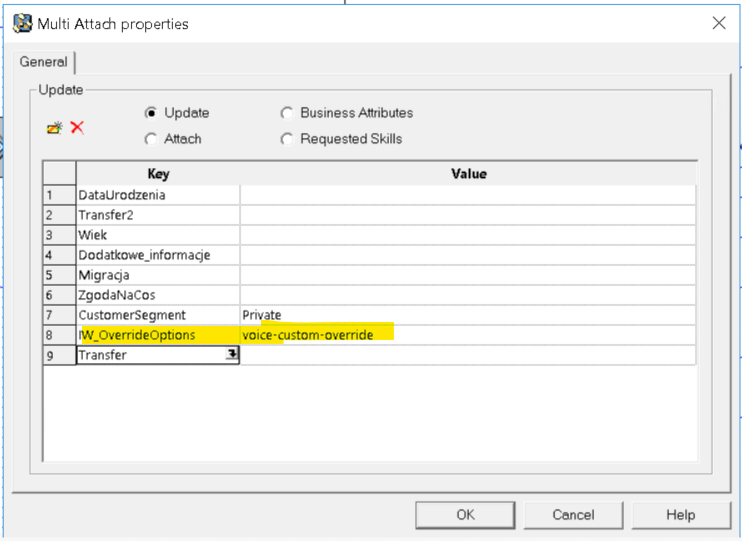
Add UseData key IW_OverrideOptions and some value eg. voice-custom-override in URS strategy or ORS scxml
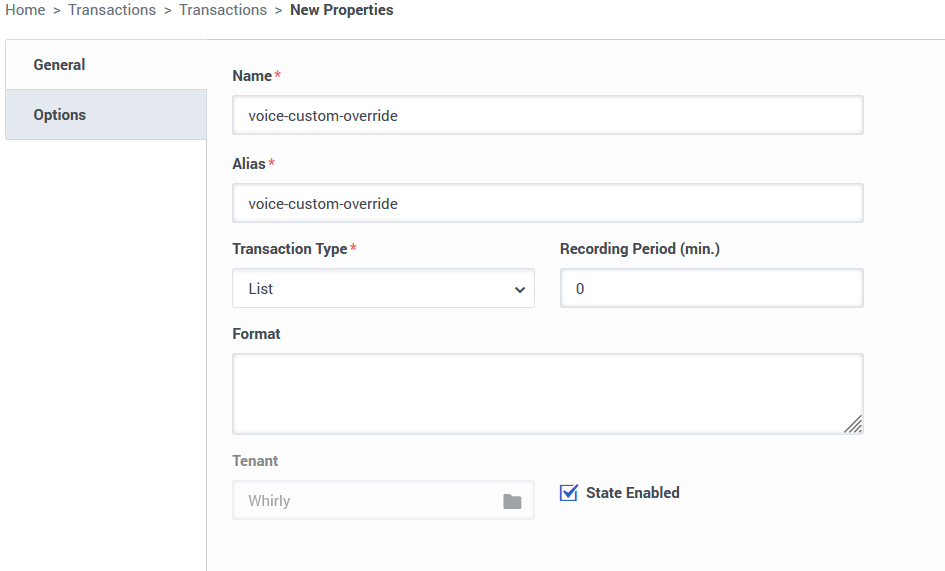
Create transaction list, in this example name and alias: voice-custom-override
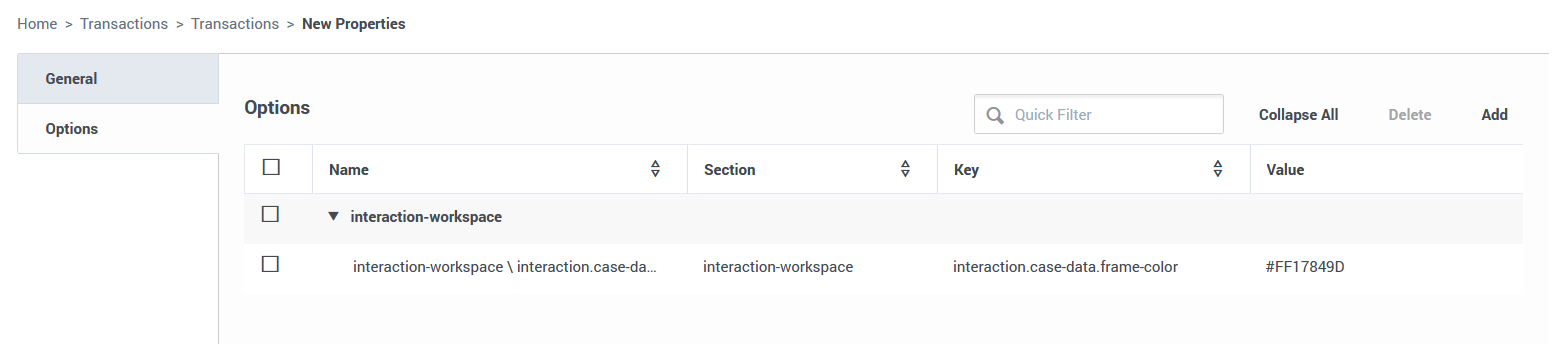
add in Options new section "interaction-workspace" and, as a key, the parameters you want to override and the value you want to set. Documentation: https://docs.genesys.com/Documentation/IW/8.5.1/Dep/OverridingInteractionWorkspaceOptions
------------------------------
Grzegorz Mirż
Systems architect
------------------------------
Original Message:
Sent: 01-14-2026 10:29
From: Elio Iorii
Subject: wde to display a different color on email specific skill
Hi,
Do you have an example of how to change the colors of the toast pop-up?
------------------------------
Elio Iorii
------------------------------
Original Message:
Sent: 11-22-2016 15:36
From: A Contributor
Subject: wde to display a different color on email specific skill
Look at the IW_Override Options in WDE Documentation. You'll be able to use WDE color settings at the interaction level. You'll need to manage this in your strategy.