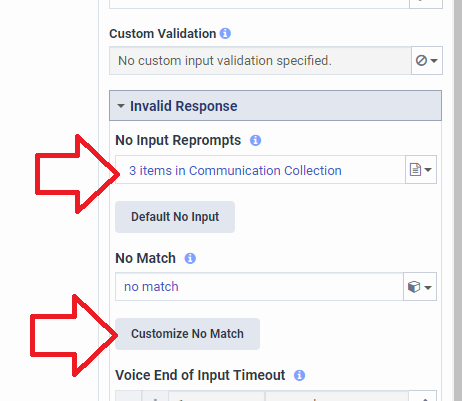
In the ask for actions, you have new customize no input & customize no match buttons. If you click them, you can add a list of communications to use instead of a single communication. For this example I added 3 items for no input. The 1st time the caller doesn't say anything they will hear my 1st item. The 2nd time they hear the 2nd item, and the 3rd time they hear the 3rd item. I didn't customize the no match, so the caller will hear the same communication every time they say something that doesn't match.
------------------------------
Melissa Bailey
Genesys - Employees
------------------------------