Hi Arif,
We recommended keeping to the latest version to avoid Voice Issues. Below are the steps to update,
Note: Updates should be executed during Non-Working Hours to avoid Production Impact.
1. Select Edges under Telephony
2. Click on the announcements with the version below,
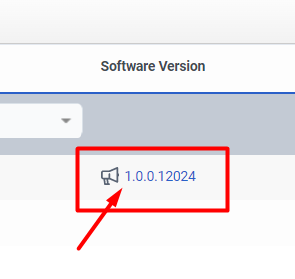
3. Select Update Now with the Latest Version
4. Updating will be in Progress and it makes take upto 20mins
5. Once the update is done
6. Check Edge is Online.
------------------------------
Vinay Kumar
------------------------------