Hi
When you are in the day view, the plus icon will show exceptions and actual activities.
This is only available if you have 'show adherence' switched on in the display options (cog at top right of the page), and if you select an individual MU in the view.
Hope that helps,
Heather
------------------------------
Heather Henderson
Sabio Ltd
------------------------------
Original Message:
Sent: 03-08-2024 09:08
From: Jason Tran
Subject: Is there a permission related or way to get the option for a drop in the WFM Schedules Day View for Agents
I know you can get it for the vertical view. Does the "schedule permission " give you the plus sign drop down when in the Day View (The first one)?
------------------------------
NA
------------------------------
Original Message:
Sent: 03-08-2024 08:32
From: Breno Canyggia Ferreira Marreco
Subject: Is there a permission related or way to get the option for a drop in the WFM Schedules Day View for Agents
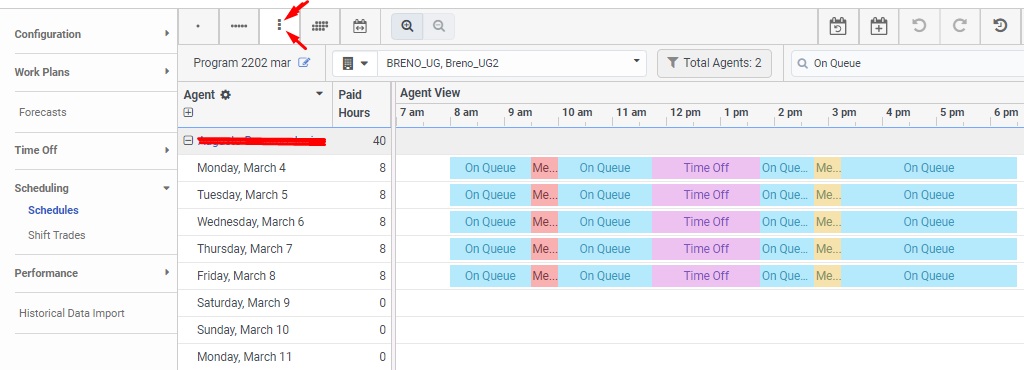
Click here to change your visualization for Vertical View:
if you have schedule permission to edit, it is available for you.
Att,
------------------------------
Breno Canyggia Ferreira Marreco
https://www.linkedin.com/in/brenocfm-40b62182/