My pleasure, happy to assist.
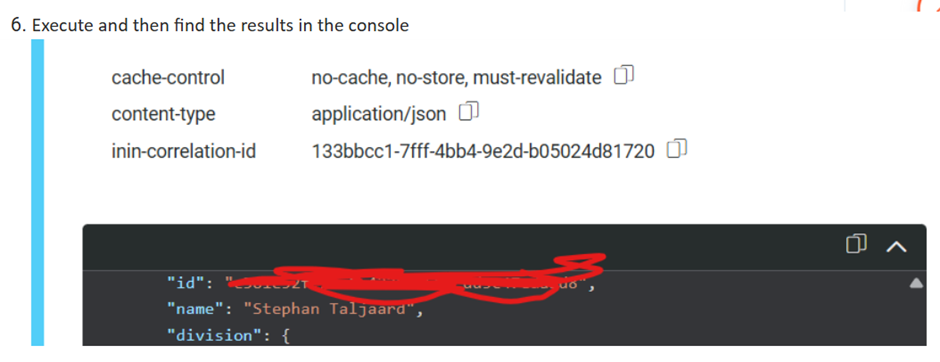
You can on the below highlighted icon to copy the results to excel. You would need to add some filters to clean it up a bit but should not take that long.
Please note that the page size and page number as limits. If you scroll to the bottom you will see the number of entries and pages in total, so you can just update the below to page 2,3, etc, depending on the number of pages you have in the results.
Original Message:
Sent: 01-26-2026 11:11
From: Mohan Singh
Subject: Report related to Agent
Hi Stephan Taljaard
Thanks for your prompt response with all given steps, just to know that how to convert below output in excel sheet because i need to share with my end operation team.
------------------------------
Mohan Singh
Subject matter expert
------------------------------
Original Message:
Sent: 01-26-2026 10:22
From: Stephan Taljaard
Subject: Report related to Agent
Good Day Mohan
Please find info below that should assist you with getting the required information. I an not a developer so I make use of the Genesys Cloud API explorer when I need information via the API. Below steps is what I use on my side. Also shared a Java script which is available on the developer center.
- Access the Genesys Cloud API developer center and select API explorer - https://developer.genesys.cloud/
- Access the API explorer directly - https://developer.genesys.cloud/devapps/api-explorer
- Search for user in the operation filter and select "GET". For you to be able to use this you will log in using your Genesys Cloud profile and then your region
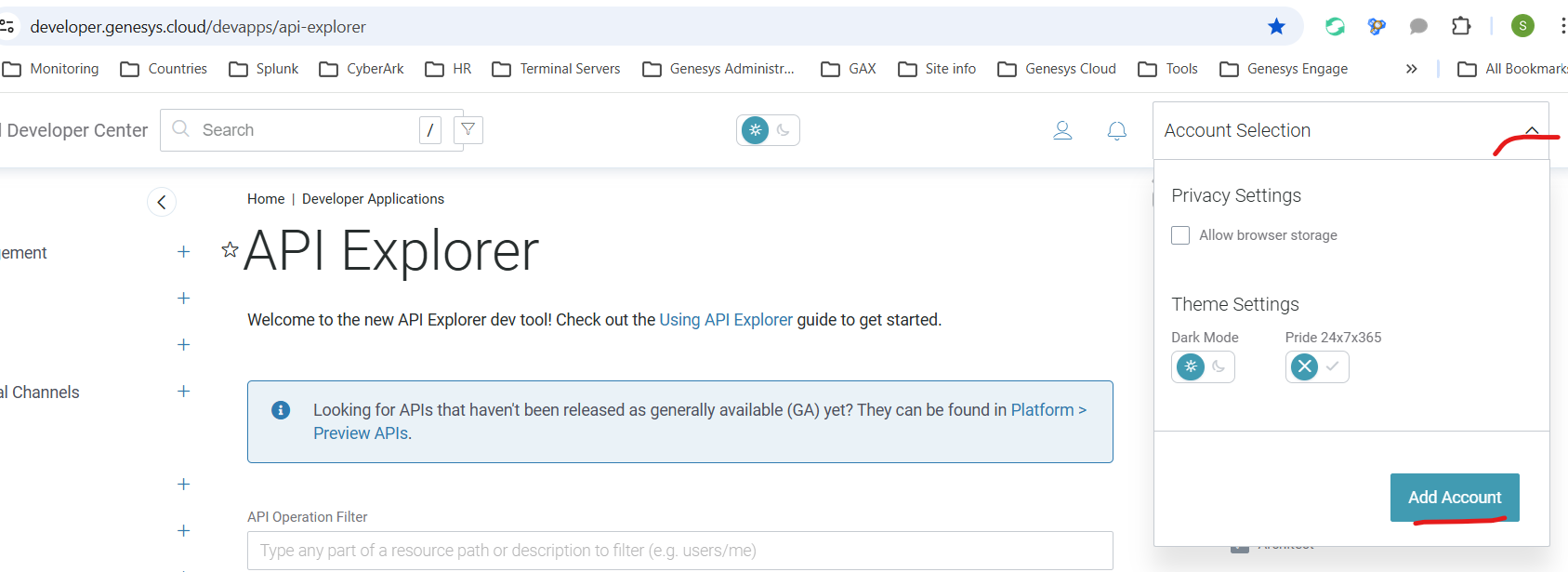
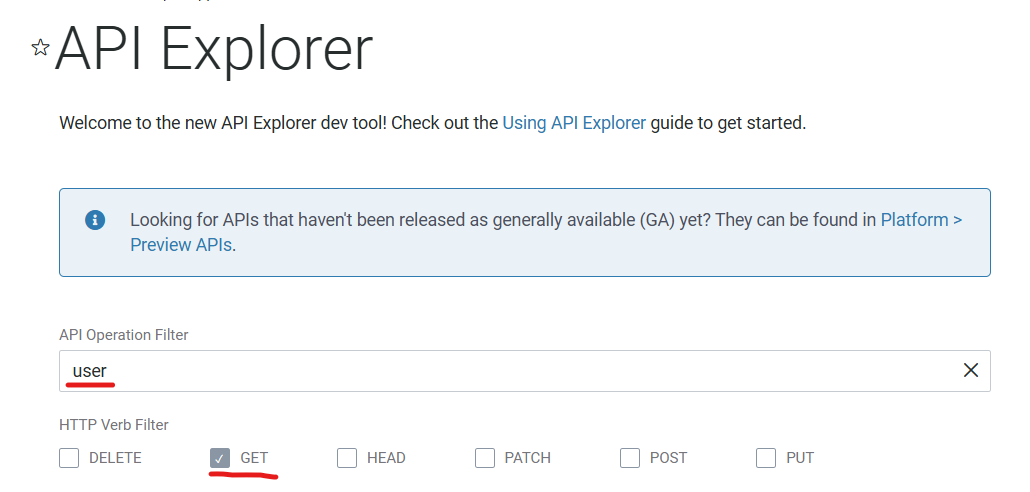
- You can then look for the GET /api/v2/users
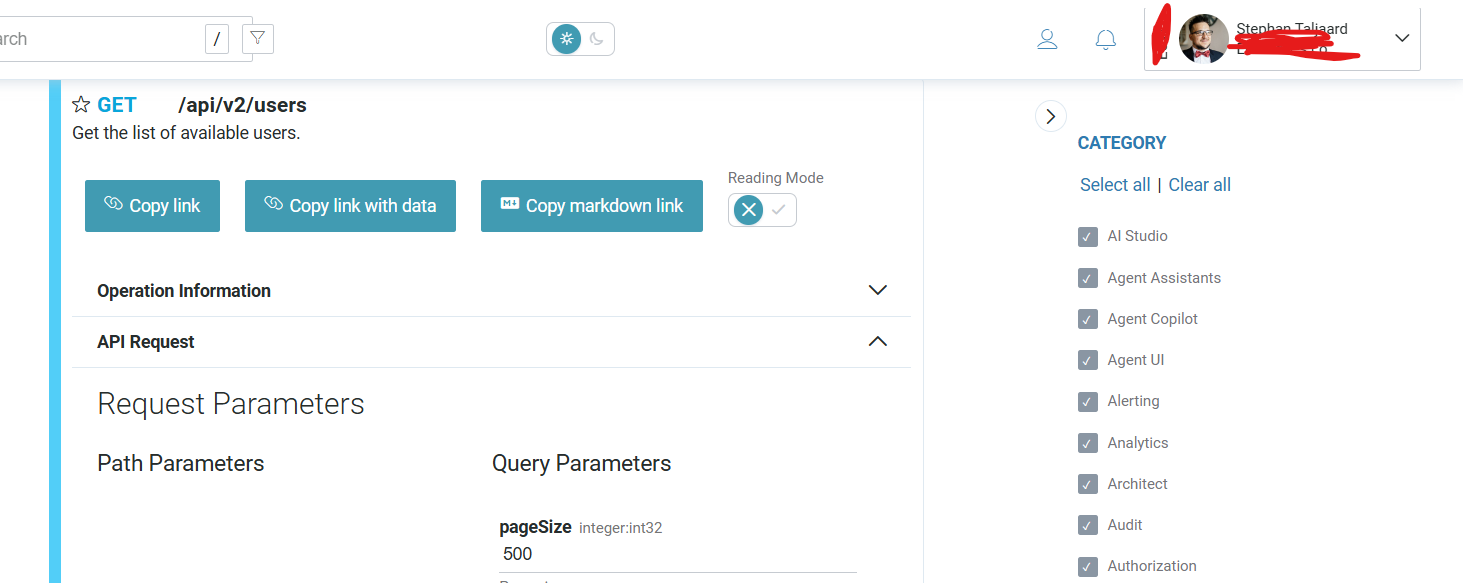
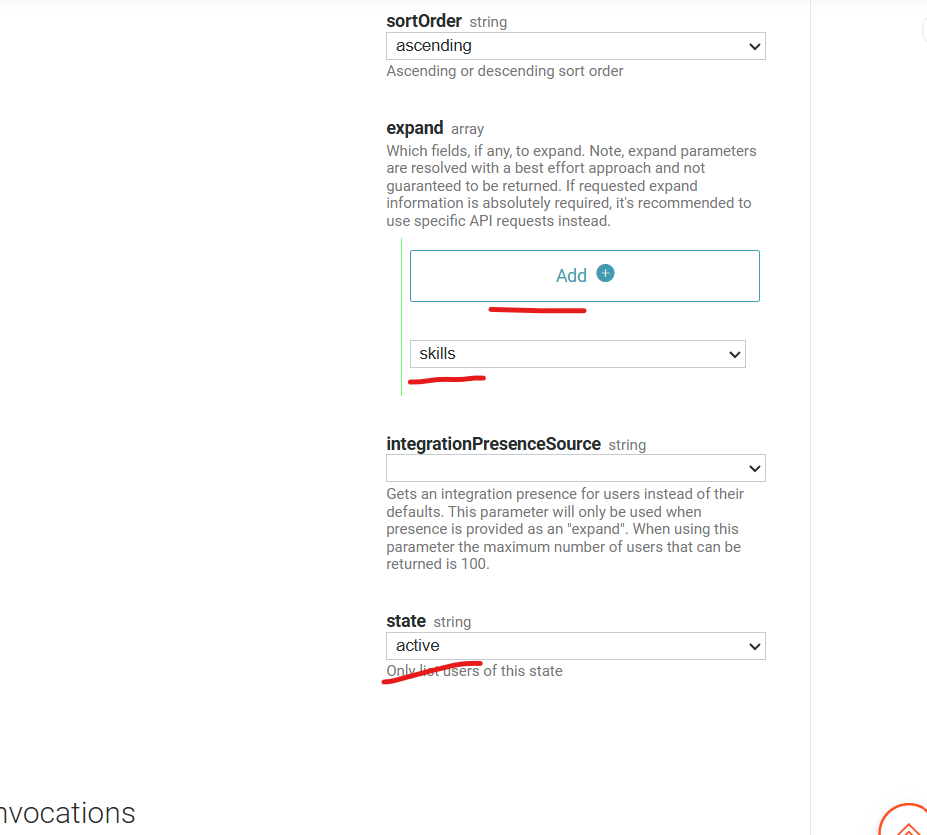
- Click add under expand to add the skill. You can also select "active" state to only look at active agents.
- Execute and then find the results in the console
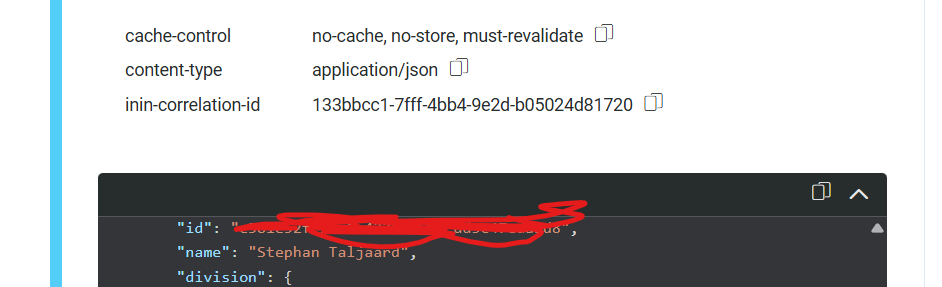
Alternatively, find the java script that can be used as an example
const platformClient = require("purecloud-platform-client-v2");
const client = platformClient.ApiClient.instance;
client.setEnvironment(platformClient.PureCloudRegionHosts.us_east_1); // Genesys Cloud region
// Manually set auth token or use loginImplicitGrant(...) or loginClientCredentialsGrant(...) or loginPKCEGrant(...)
client.setAccessToken("your_access_token");
let apiInstance = new platformClient.UsersApi();
let opts = {
"pageSize": 25, // Number | Page size
"pageNumber": 1, // Number | Page number
"id": ["id_example"], // [String] | A list of user IDs to fetch by bulk
"jabberId": ["jabberId_example"], // [String] | A list of jabberIds to fetch by bulk (cannot be used with the id parameter)
"sortOrder": "ASC", // String | Ascending or descending sort order
"expand": ["expand_example"], // [String] | Which fields, if any, to expand. Note, expand parameters are resolved with a best effort approach and not guaranteed to be returned. If requested expand information is absolutely required, it's recommended to use specific API requests instead.
"integrationPresenceSource": "integrationPresenceSource_example", // String | Gets an integration presence for users instead of their defaults. This parameter will only be used when presence is provided as an expand. When using this parameter the maximum number of users that can be returned is 100.
"state": "active" // String | Only list users of this state
};
// Get the list of available users.
apiInstance.getUsers(opts)
.then((data) => {
console.log(`getUsers success! data: ${JSON.stringify(data, null, 2)}`);
})
.catch((err) => {
console.log("There was a failure calling getUsers");
console.error(err);
});
Also find links to that might provide additional information - https://mypurecloud.github.io/platform-client-sdk-javascript/
Hope this helps.
Regards
------------------------------
Stephan Taljaard
EMBEDIT s.r.o
Original Message:
Sent: 01-26-2026 09:53
From: Mohan Singh
Subject: Report related to Agent
Hi Stephan Taljaard,
Thank you for your great help so far. I've noticed that when using Option 1, there is a limitation that only allows selecting up to 300 users when applying filters to generate the report. Because of this, I would prefer to proceed with Option 2.
Since Option 2 involves using the API and a script, could you please guide me through the full set of steps required to follow this approach and extract the report? Specifically, I need to pull the Agent Performance Workspace data and include the Skills and Division columns.
For reference, I'm looking at the Users API endpoint: https://developer.genesys.cloud/devapps/api-explorer#get-api-v2-users
Thank you again for your support.
------------------------------
Mohan Singh
Subject matter expert
Original Message:
Sent: 01-26-2026 05:47
From: Stephan Taljaard
Subject: Report related to Agent
Good Day Monah
For this you can use the following to get the requested information.
- Agent performance workspace and add the skills and division columns

Alternatively you can use the below API to get this information as well.
https://developer.genesys.cloud/devapps/api-explorer#get-api-v2-users
2. For the call volume report you can use the queue performance workspace and filter for those specific queues required.

Regards
------------------------------
Stephan Taljaard
EMBEDIT s.r.o