Hi Jeevan Reddy,
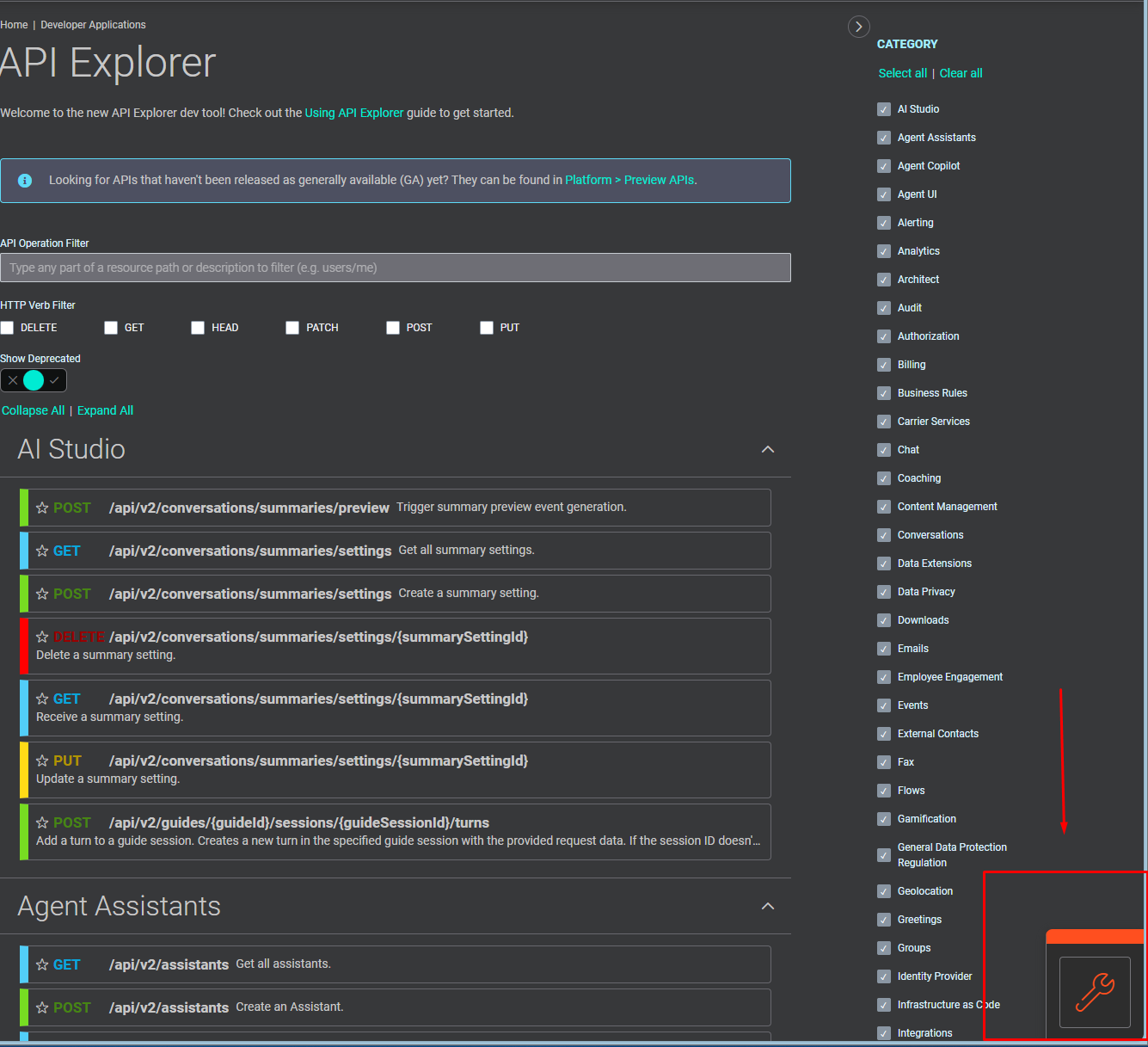
You can try monitoring Trigger behavior using Developer Toolbox > Notifications by subscribing to the same event topics and validating the generated payloads. The Developer Toolbox can be accessed from the icon in the bottom-right corner.
In the Developer Toolbox > Notifications screen, select the event topic you want to monitor, configure the required topic parameters, choose or create a channel, and click Subscribe.
Once subscribed, events will start appearing in real time, allowing you to inspect and validate the payloads being generated.
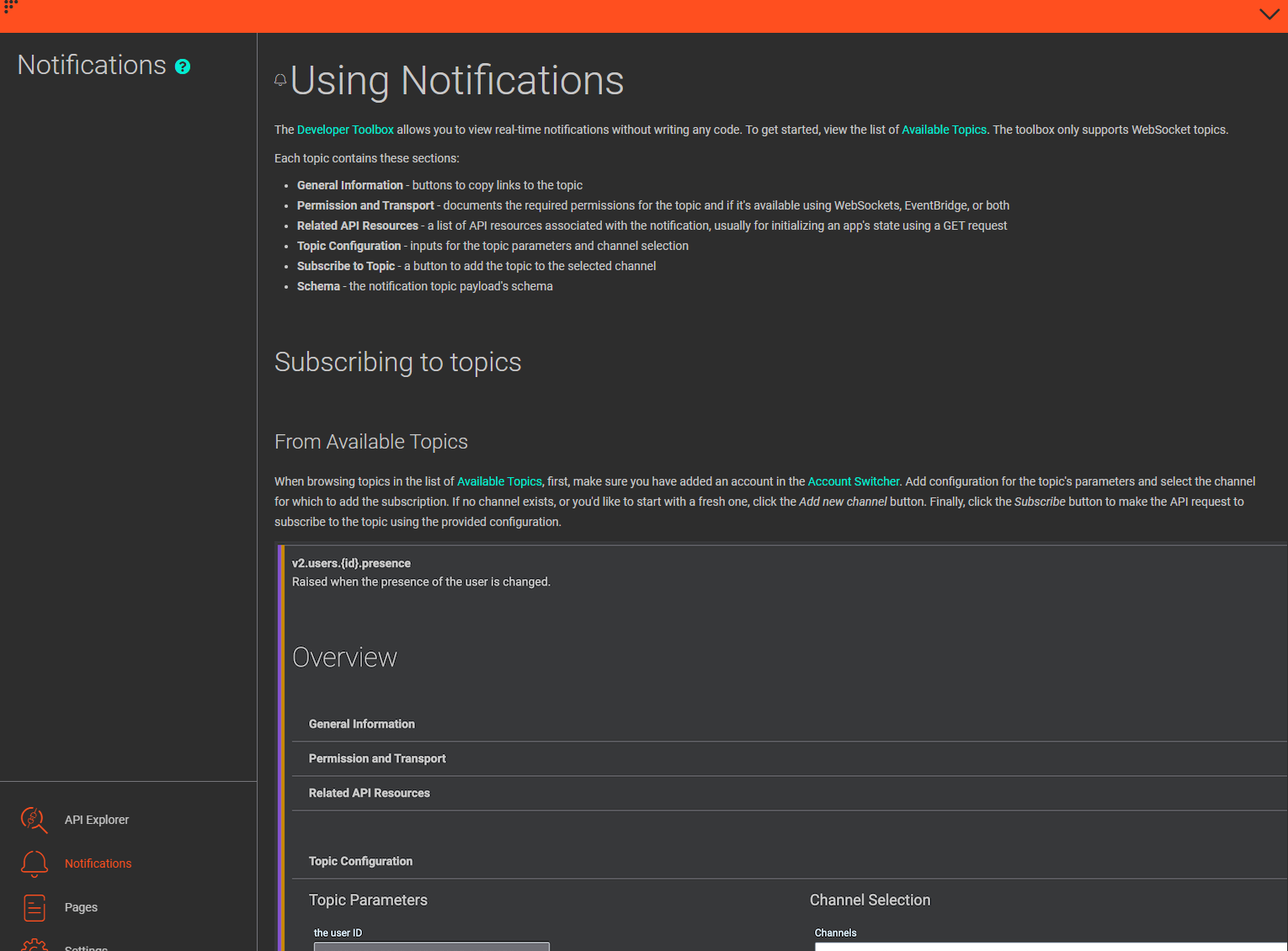
More details in the documentation: https://developer.genesys.cloud/notificationsalerts/notifications/notifications-apis
Hope this helps!
------------------------------
Luiz Rosa
Full stack developer
------------------------------