Andre,
Regarding the requirements that are provided in Show Summary are a result of the Forecast and Schedule generation being performed at the BU level, it's aggregating the hours required for the Business Unit, as you have observed.
The required staff hours are visible in the Schedule View, in the bottom rows that are labeled as:
- Scheduled
- Forecast
- Difference
- The Forecast (with and without shrinkage) row shows the number of full time-equivalent agents that were forecast during that time period. This value is the total of all forecast values for the time period, which does and does not include shrinkage respectively.
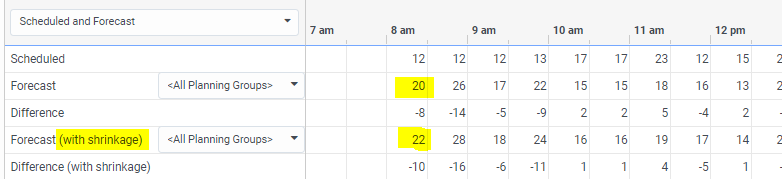
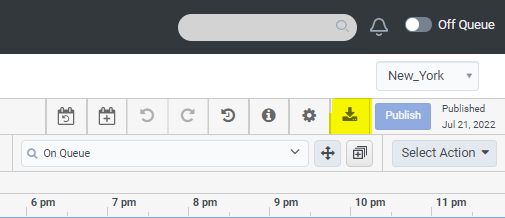
Those rows are also exportable to *.csv file by clicking the Export icon in upper right of screen. Upon clicking the Export icon you should look for the Grid section and click Scheduled and Forecast. The export will have comprehensive Scheduled and Forecast data. The export is governed by the Planning Group that's selected in the schedule view Scheduled / Forecast rows. Note: <All Planning Groups> above. The Excel export will allow you to calculate your required FTE by Planning Group.
I hope this help. Let us know if there are any follow up questions.
------------------------------
Chuck Swain
Genesys
WEM Leadership
------------------------------