Hello,
We have encountered an unexpected behavior regarding user obfuscation in a client's Analytics Workspace view starting this morning.
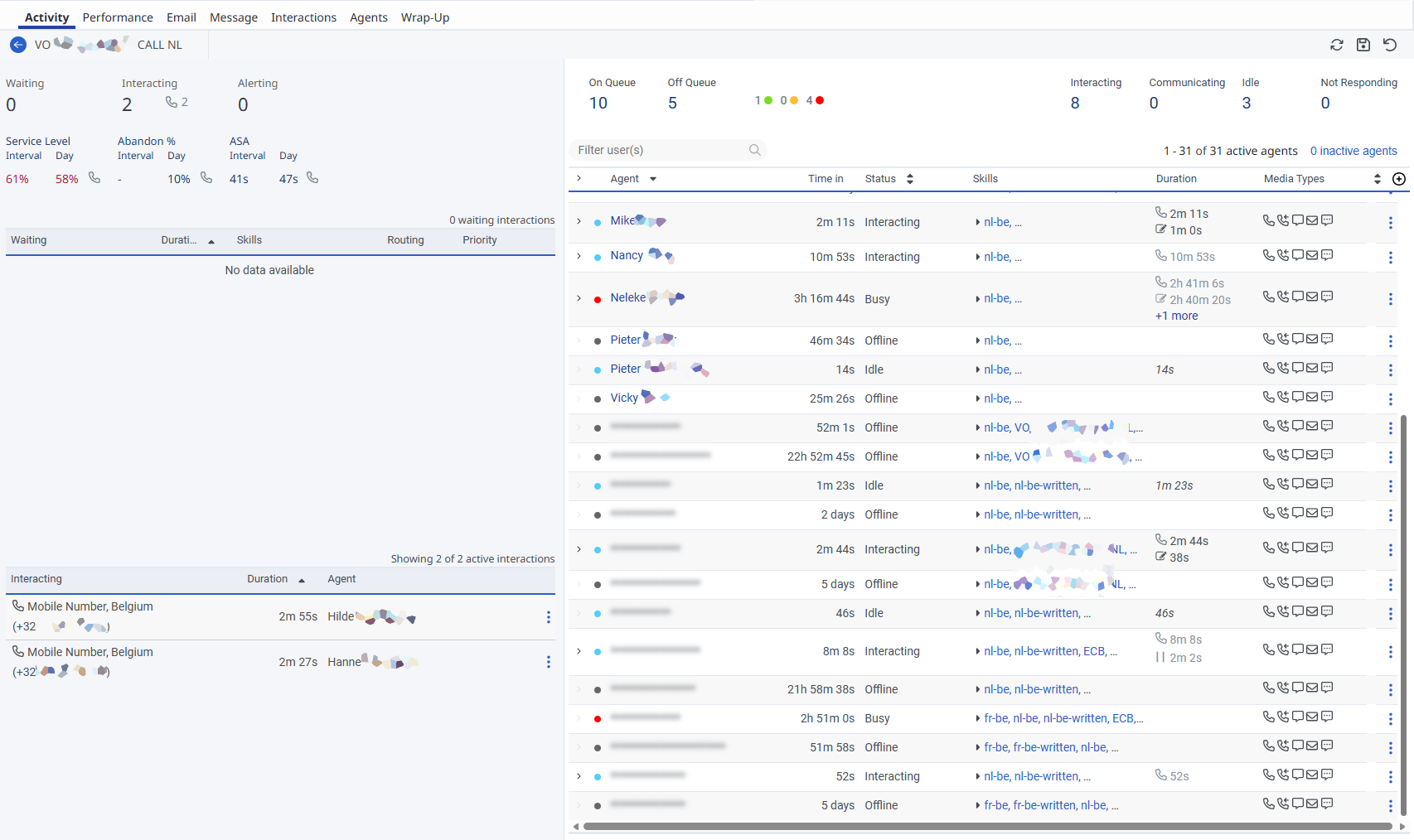
We observe then that agents belonging to the client's main division are visible, but agents assigned to an external division (who are actively working on the client's queues) appear blurred out.
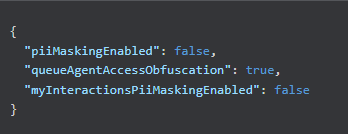
GET /api/v2/analytics/reporting/settings confirms that queueAgentAccessObfuscation is enabled.
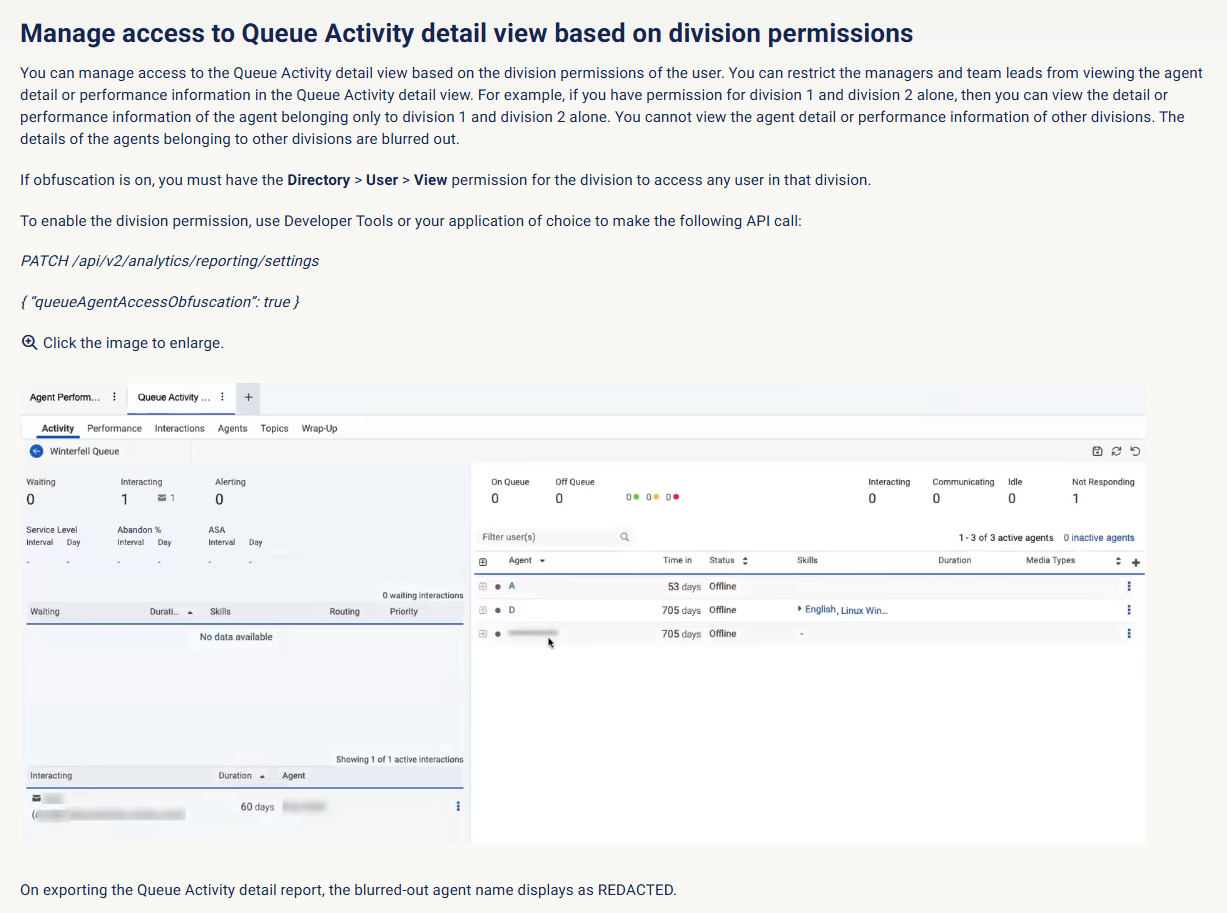
Per the Queues Activity Detail view documentation, users require the Directory > User > View permission for the target division to see obfuscated users.
Is it then mandatory for the client to be directly assigned to the external division to resolve this?
If so, is there a way to restrict their visibility strictly to the users active on their queues, rather than exposing the rest of that division's setup?
Or to turn off the Obfuscation?
Thank you for your time and help,
Regards,
Nadège
Queues Activity Detail view - Genesys Cloud Resource Center
#Reporting/Analytics------------------------------
Nadege Biojout
0
------------------------------