@Yancel Martinez Reyes I suggest that you also utilize the Ask Me Anything feature on the Orchestrators portal. Log in using the same account you use to log into Community.
I pasted your questions into the portal:
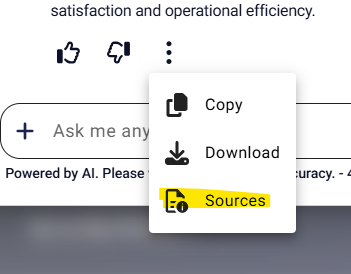
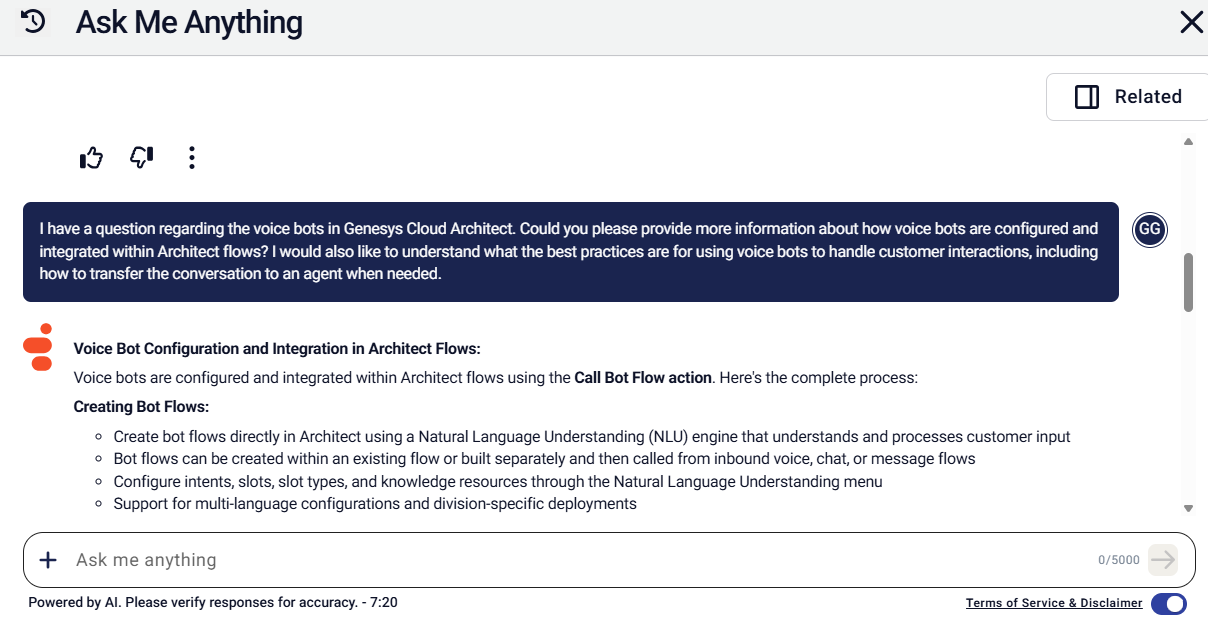 Response. Note all the links at the bottom which are accessed via the three dots at the bottom of what is returned
**Voice Bot Configuration and Integration in Architect Flows:**
Voice bots are configured and integrated within Architect flows using the **Call Bot Flow action**. Here's the complete process:
**Creating Bot Flows:**
- Create bot flows directly in Architect using a Natural Language Understanding (NLU) engine that understands and processes customer input
- Bot flows can be created within an existing flow or built separately and then called from inbound voice, chat, or message flows
- Configure intents, slots, slot types, and knowledge resources through the Natural Language Understanding menu
- Support for multi-language configurations and division-specific deployments
**Integration Steps:**
1. Create and publish a bot flow (or use an existing one)
2. Configure your call flow settings - ensure the text-to-speech engine is set to something other than Genesys TTS
3. Drag the **Call Bot Flow action** from the Architect toolbox into your task editor
4. Configure the Call Bot Flow action:
- Add a distinctive name
- Select the appropriate bot flow
- Optionally add input variables for configured slots
- Add output variables for configured slots
- Under Execution Results, assign variables to capture Exit Reason and Intent (e.g., Task.ExitReason and Task.Intent)
5. Add follow-up actions like Play Audio or decision logic based on bot results
6. Publish the flow to deploy
**Best Practices for Using Voice Bots:**
**Bot Design and Training:**
- Train your bot with **20-30 training utterances for each intent** to ensure complete configuration
- Use brief and minimal word choice for voice prompts - best practice recommends simple and short voice prompts with three words or less, and no repetition (unlike text, voice prompts cannot be reviewed again)
- Create a deliberate test set from real-world customer utterances and reuse it with each iteration to see improvement
- Perform both end-to-end bot testing through simulated calls and NLU-only testing
- Know which number format your speech-to-text component returns and represent that format in your intents
- Test intents and utterances, optimize for performance, and retrain after modifications
**Event Handling Configuration:**
- Configure No Input Timeout (default is 7 seconds for voice)
- Set maximum number of confirmation rejections
- Configure confidence thresholds to determine when an input phrase is considered a No Match
- Implement proper error handling for no-match and no-input events
**Transferring from Bot to Human Agent:**
Genesys Cloud provides built-in **agent escalation** functionality:
**Enable Agent Escalation:**
- When enabled, the system uses a set of sentences that Genesys Cloud maintains to detect when a participant wants to speak to an agent
- After detection, the participant hears a confirmation question
- If they answer affirmatively, the system sets the exit reason to **AgentRequestedByUser**
- You can bypass the confirmation request by setting the Confirmation field to NOT_SET or empty, which directly escalates to a human agent
- A handover message plays before the system sets the exit reason, then the bot exits and returns to the calling flow
**Implementing the Transfer Logic:**
After the Call Bot Flow action, use a **Decision action** to check the exit reason:
1. Add a Decision action with the expression: `Task.ExitReason == "AgentRequestedByUser"`
2. Under the "Yes" path, add a **Transfer to ACD action**
3. Select the appropriate queue to transfer the interaction
**Exit Reason Values:**
- **AgentRequestedByUser**: User requested to speak to an agent
- **TransferToACD**: Bot transferred the interaction to a live agent or queue
- **ExitRequestedByBot**: Bot intentionally ended the flow after completing the request
- **ExitRecognitionFailure**: Bot exited due to recognition issues (too many no-match or no-input events)
This approach allows bots to handle routine tasks while seamlessly escalating complex issues to human agents, optimizing both customer satisfaction and operational efficiency.
Sources:
- https://help.genesys.cloud/271624?theme=simplified
- https://help.genesys.cloud/articles/configure-the-start-and-exit-behavior-of-an-agentic-virtual-agent/?theme=simplified
- seismic-SM3Tq/7 best practices for building customer loyalty - 2024 edition.pdf
- https://help.genesys.cloud/232270?theme=simplified
- https://help.genesys.cloud/articles/event-attributes-in-journey-management?theme=simplified
- https://help.genesys.cloud/articles/create-a-bot-flow-and-use-third-party-asr-grammar-quick-start-guide?theme=simplified
- https://help.genesys.cloud/articles/build-a-bot-with-architect-dialog-engine-bot-flows?theme=simplified
- https://help.genesys.cloud/232249?theme=simplified
------------------------------
George Ganahl, Orchestrator Maestro
Technical Adoption Champion
Genesys
------------------------------